Accounts receivable (AR) automation is software that does the repetitive work of getting paid: sending invoices, reminding customers, matching incoming payments and reporting what is still open. Most tools automate the paperwork well. The step that actually gets an overdue invoice paid, a conversation with the customer, is the one they usually leave to your team. This guide shows what to automate, which channel fits each stage, and where a phone call belongs.
Late payment is a growing problem in Europe. In Intrum’s European Payment Report 2026, the average B2B payment delay widened from 16 days in 2023 to 20 days. The Atradius Payment Practices Barometer 2026 adds that nearly four in five companies in Western Europe face late payments. If your finance team chases invoices by hand, that is where the hours go.
What is accounts receivable automation?
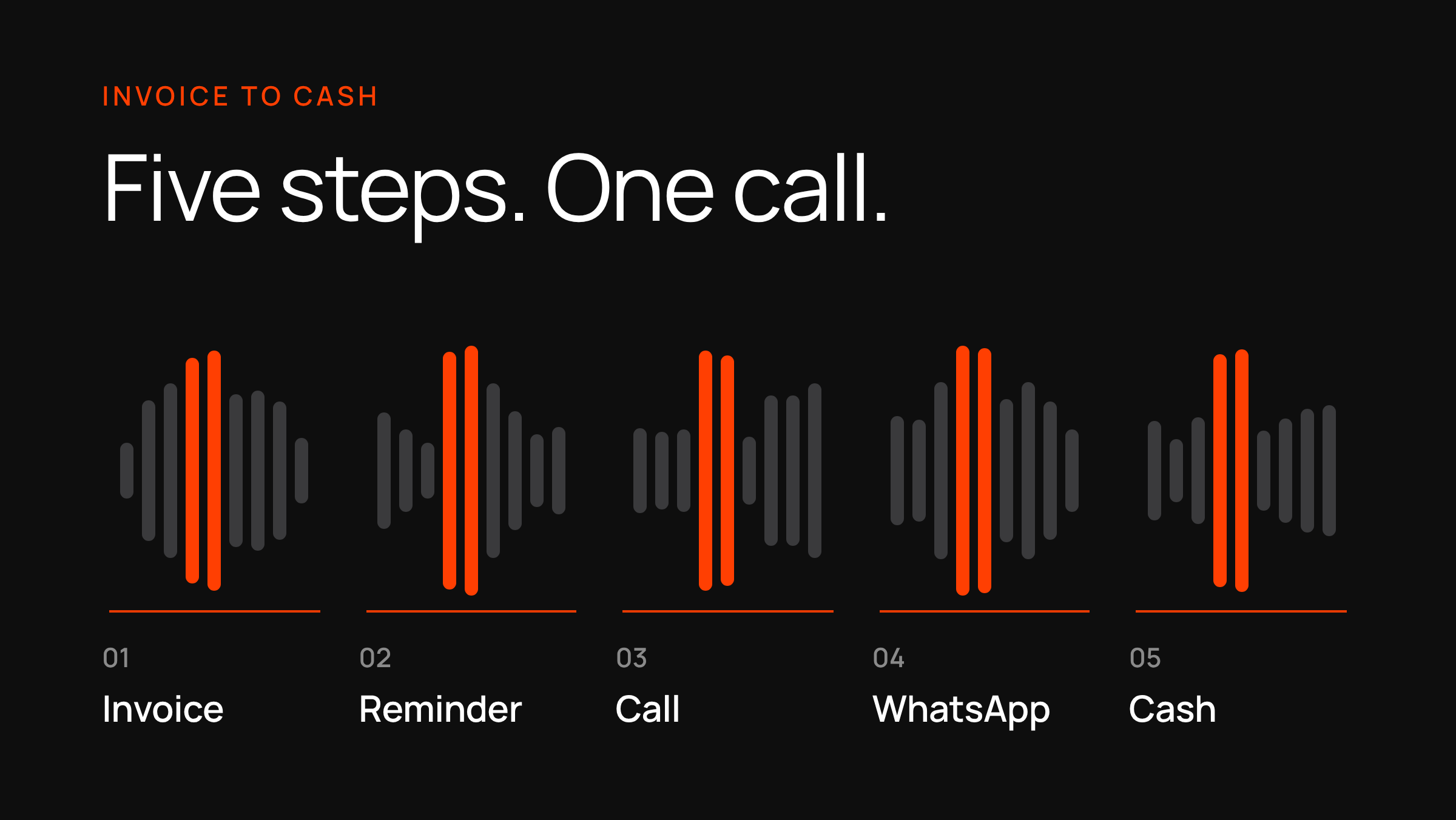
AR automation moves the routine steps of the order-to-cash process into software, so your team only handles the exceptions. It usually covers five jobs:
- Sending invoices in the format and channel the customer prefers.
- Reminding customers before and after the due date.
- Matching incoming payments to open invoices (cash application).
- Logging disputes and promises to pay.
- Reporting ageing, days sales outstanding (DSO) and what is likely to be paid.
Vendors sell this as AR automation software, an AR platform or “collections automation”. The labels differ, but the logic is the same: a rule decides who to contact, when and how, and the outcome is written back to the ledger.
Which AR tasks should you automate first?
Start where the work is high-volume and the answer is predictable. Disputes and credit decisions come last.
| Task | Automate? | Why |
|---|---|---|
| Invoice delivery with a payment link | Yes, first | Same steps every time, and a link makes paying easy |
| Reminder before the due date | Yes | Cheap and rarely controversial |
| First overdue reminder | Yes | Most late invoices are forgotten, not disputed |
| First overdue call | Yes, with a voice agent | This is the step that agrees a payment date |
| Payment matching | Yes | Manual matching is slow and error-prone |
| Disputed invoices | No, route to a person | Needs judgment and the customer’s context |
| Large or strategic accounts | Partly | Let the owner of the relationship make the call |
| Credit limits and write-offs | No | A policy decision, not a routine one |
Where does a phone call fit in AR automation?
For an overdue invoice, the call goes first and the written channels follow it. Email and SMS tell the customer that an invoice is late. A call lets them answer: “I paid it yesterday”, “I need until the 15th”, or “this amount is wrong”. Each of those answers is information your system can use, and a written reminder can never collect it.
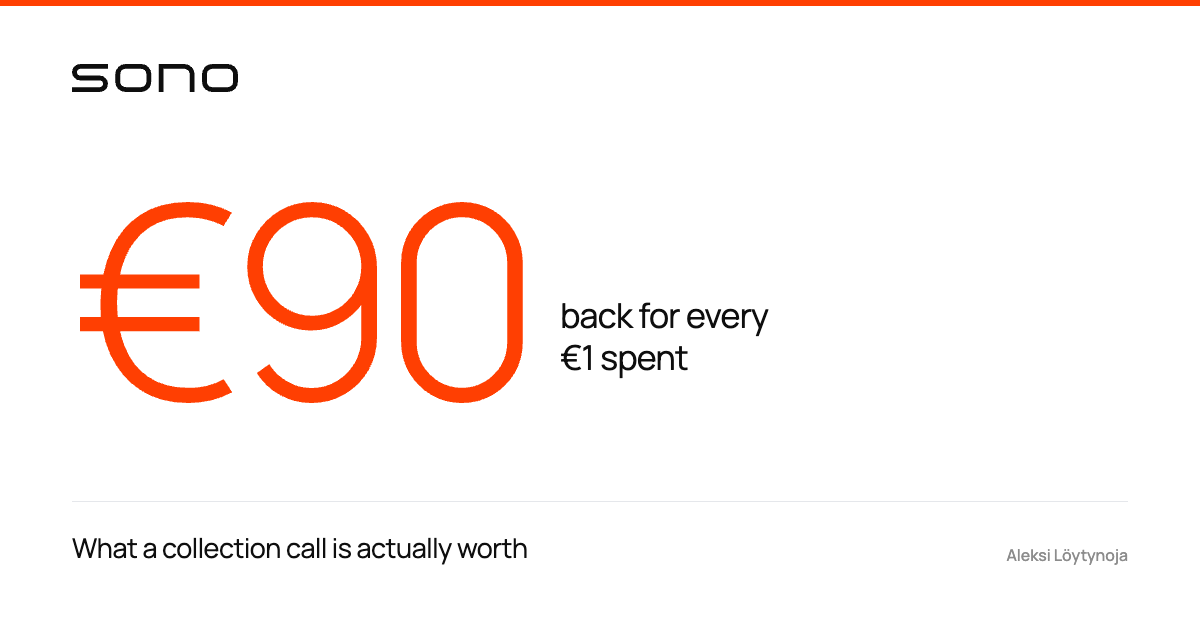
Timing matters as much as the channel. In Sono’s collection data, calls made on day 3 past due recovered 1.94 times more than calls made on day 65 (what a collection call is worth). Waiting for a second and third email before anyone calls loses most of that early window.
Here is the shape of a call-first sequence:
- Before the due date: a short email or SMS with the payment link.
- Day 1 to 3 past due: an automated call that confirms the invoice, asks when payment will arrive and records the date.
- Straight after the call: a WhatsApp or SMS message with the payment link and the date the customer gave.
- Promise date missed: a second call, and a person steps in if the customer disputes the invoice.
- Final notice and escalation: a written notice that explains the next step, then your collection partner or legal process.
A voice agent can run step 2 and step 4 within rules you set. Our AI payment reminder call transcript shows what that conversation sounds like.
What does a first reminder call sound like?
The opening should state who is calling, say that it is an AI, and check it is the right person before mentioning the invoice. A short example:
“Hello, this is Sono’s assistant calling on behalf of Northwind Supplies. I’m an AI assistant. Am I speaking with Maria Lopez? … Thank you. I’m calling about invoice 4821 for 1,240 dollars, which was due on October 1. Do you know when it will be paid?”
If Maria says it is paid, the agent logs the date and pauses reminders. If she gives a date, it confirms it, sends a payment link by WhatsApp or text message and only follows up if the money does not arrive. If she disputes the invoice, it hands the case to your team with a summary.
Email, SMS, WhatsApp or call: which channel works at each stage?
| Channel | Best use | Weakness |
|---|---|---|
| Call (AI voice agent) | Overdue invoices; agreeing a payment date | Costs more per contact than a message |
| Payment link and confirmation right after a call | Only works where the customer uses it with you | |
| SMS | Short nudge with a link; fallback when WhatsApp is not used | No conversation, easy to ignore |
| Invoice copy, statements, final notices | Easy to miss, and the customer cannot answer in the moment |
Use email as the record of what was agreed, not as the main nudge. For a longer comparison, see payment reminder calls vs SMS and email.
Can AI do accounts receivable?
It can do the repetitive parts. Intrum’s European Payment Report 2026 finds that 66% of businesses already use AI in payments and that AI can reduce the cost of chasing late payments by around 20%. The figure is based on reported time savings in payment functions and is not specific to calls.
In practice, AI helps in three places: matching payments to invoices, deciding who to contact next, and holding the reminder conversation. The third is new. Until recently, an automated call could only play a recording. A voice agent can talk to the customer, check who they are and agree a date. See how that differs from a recording in our guide to the dunning process.
How do you know your AR automation works?
Count cash, not activity. Sending more reminders is not a result. These five numbers show whether the automation is paying for itself:
- Share of overdue invoices that get a conversation, not just a message.
- Share of those conversations that end with a payment date.
- Share of promises that turn into payments.
- Days sales outstanding (DSO) for the segment you automated.
- Cost per invoice collected, including calls and messages.
Sono’s collection data gives one benchmark: 235 of 1,000 reached contacts promised to pay and 70% kept the promise. Ask any provider you compare for the same numbers on your own list.
What does the law say about late payment and reminders?
In the EU, the Late Payment Directive sets the baseline for business-to-business invoices. Payment terms generally may not exceed 60 calendar days unless the contract clearly says otherwise and it is not grossly unfair to the creditor. When a payment is late, the creditor can claim statutory interest at the reference rate plus at least 8 percentage points. It can also claim a fixed €40 as compensation for recovery costs (Directive 2011/7/EU, Articles 3 and 6). Each member state adds its own rules on top, and US rules differ again. Check the rules for each market you call into before you automate the call step. For the AI disclosure and call-consent points, see our dunning process guide.
How do you add a call step to your AR process?
Pick one customer segment, such as invoices 1 to 14 days past due, and keep your current reminder emails and texts. Add an AI voice agent for the first overdue call and a WhatsApp or SMS follow-up with the payment link, then compare cash collected against a comparable segment. Sono runs AI payment reminder calls in English and most European languages and reports promise-to-pay and call-to-cash from the first week. If you want the economics first, read about collection calls.