A maintenance answering service answers tenant repair calls when your office is closed or busy, then sorts emergencies from routine requests. It reaches the on-call technician for the urgent ones and logs a work order for the rest. This guide gives you the triage table, the fields every call log needs, the escalation rules and what it costs in 2026. If you want the service itself rather than the playbook, see our property management answering service.
What does a maintenance answering service do?
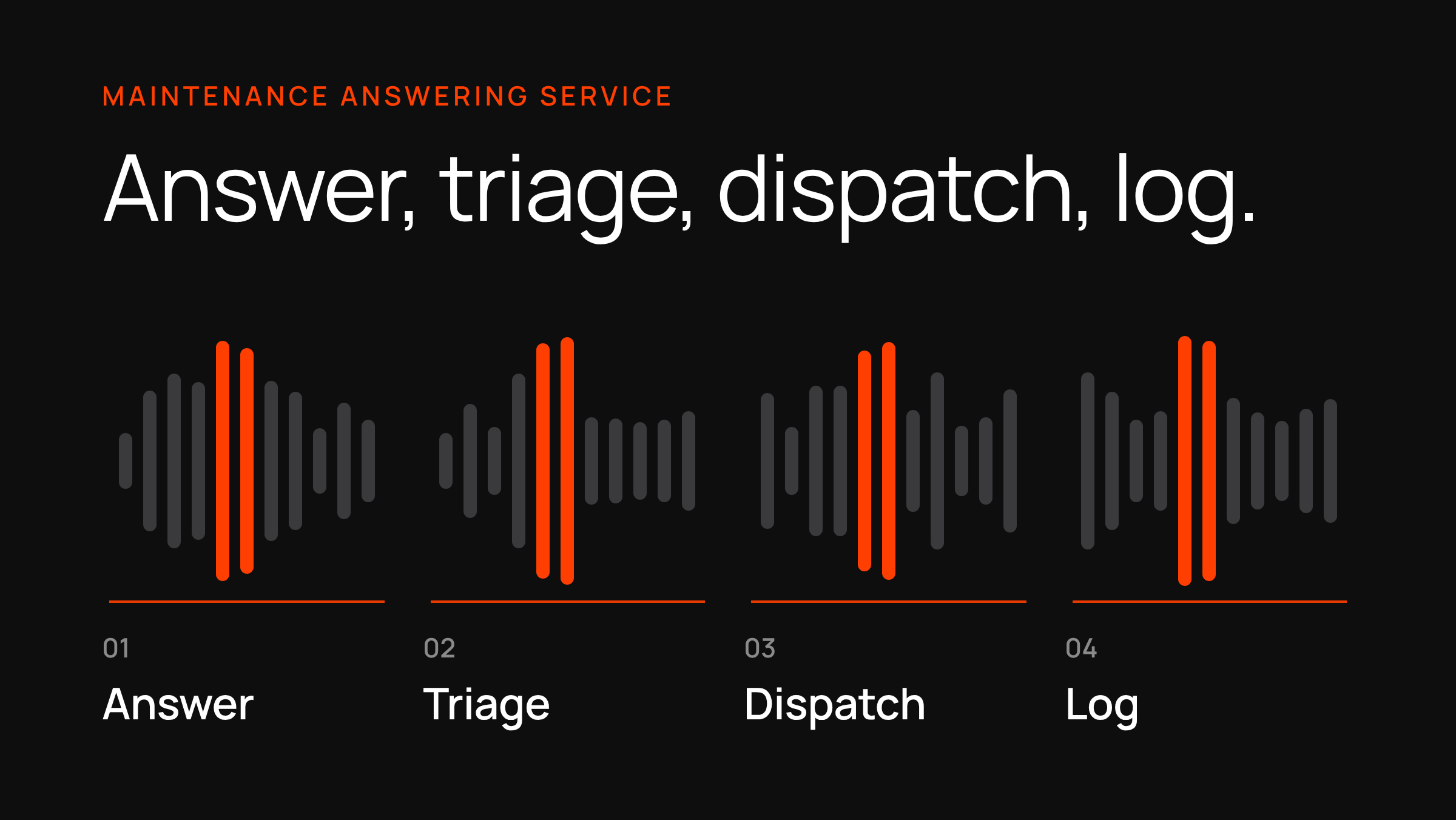
It does four jobs in order: it answers, triages, dispatches and logs. The answering part is the easy one. The value sits in the other three, because a 2 a.m. call about a burst pipe and a 2 a.m. call about a dripping faucet need very different responses.
A good service follows your rules, not its own. You decide what counts as an emergency, who is on call this week and what the tenant hears. The service applies those rules on every call and leaves a record you can check the next morning.
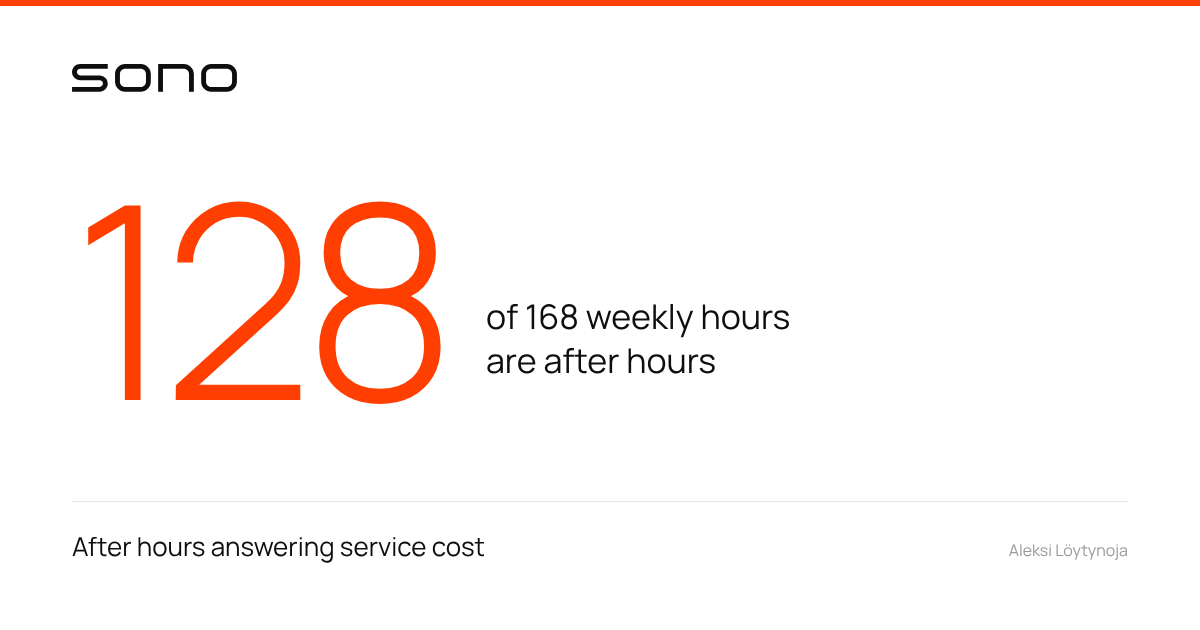
You can use it in one of three ways: after hours only, for overflow when the office line is busy, or for every maintenance call. The after-hours window is the big one. A 40-hour office week leaves 128 of the 168 hours in a week without anyone at the desk.
Which maintenance calls are emergencies?
The ones that put people or the building at risk tonight. Everything else can wait for business hours, as long as the tenant knows what happens next. Use this table as a starting point and adjust it to your leases, your local codes and your portfolio.
| Category | Typical calls | What the service does | Who hears about it |
|---|---|---|---|
| Life safety | Fire or smoke, gas smell, carbon monoxide alarm | Tells the caller to get out and call 911, or the gas utility from outside for a gas smell. Then alerts your team. | 911 first, then the on-call manager |
| Emergency, dispatch now | Active leak or flooding, sewage backup, no heat in cold weather, no water to the unit, sparking outlet or power out to the unit, the only toilet not working, an exterior door or window that will not lock | Pages the on-call technician and works the escalation ladder until someone acknowledges | On-call technician, then the supervisor |
| Urgent, next morning | Refrigerator not cooling, AC out in mild weather, a single dead outlet, a stuck garage door | Creates a priority work order and tells the tenant when the office will call | Maintenance coordinator at opening |
| Routine | Dripping faucet, running toilet, dishwasher fault, broken blind | Creates a standard work order and confirms it to the tenant | Maintenance queue |
| Not maintenance | Rent, lease questions, noise complaints, showing requests | Takes a message and routes it to the office | Property manager |
Two rules make this table work in practice. First, put the thresholds in writing: “no heat” should name a temperature or a month, so the service never has to guess. Second, let the tenant upgrade a call. If a “routine” leak is now running down the wall, the service should treat it as an emergency without arguing.
What should every maintenance call log capture?
Enough for the morning team to act without calling the tenant back. A call log that says “tenant called about leak” forces a second call and wastes the after-hours fee you just paid.
| Field | Why it matters |
|---|---|
| Caller name and callback number | The tech needs to reach the tenant directly |
| Property, building and unit | Portfolios with similar addresses get mixed up |
| The problem in the caller’s words | The tech can judge the job before driving out |
| Severity and the rule that triggered it | You can audit whether the triage was right |
| Time of the call | Shows response time against your own standard |
| Safety instructions given | Proof the caller was told to shut off water or leave |
| Permission to enter, pets, access notes | Saves a wasted trip at 7 a.m. |
| Photos or video of the fault | Often settles the severity question in seconds |
| Who was paged, when, and when they acknowledged | Shows whether the on-call rota held up |
| ETA given to the tenant | Stops repeat calls asking for an update |
| Work order number in your PMS | Closes the loop with the daytime team |
| Recording or transcript link | Settles disputes with tenants and vendors |
The photo line is where most services fall short. A voice call cannot carry a picture, so the service needs a follow-up channel. A WhatsApp message with a link to upload photos works well, because tenants already use it and it threads the conversation.
How should after-hours escalation work?
Like a ladder with a timer on every rung. The service pages the first person, waits a set time for an acknowledgment, then moves to the next one. Nobody should rely on “I’ll call them back.”
- Primary on-call technician. Call and text at the same time, with the call summary in the text.
- Wait for acknowledgment. Pick a timeout, such as 10 or 15 minutes, and write it into the instructions.
- Secondary technician or contracted vendor. Same message, same timer.
- Maintenance supervisor or property manager. The last rung must always answer.
- Tenant update. Call or message the tenant with who is coming and roughly when.
Keep the rota where the service can read it, and update it when shifts change. An outdated on-call list breaks the whole ladder, however good the answering service is.
How much does a maintenance answering service cost?
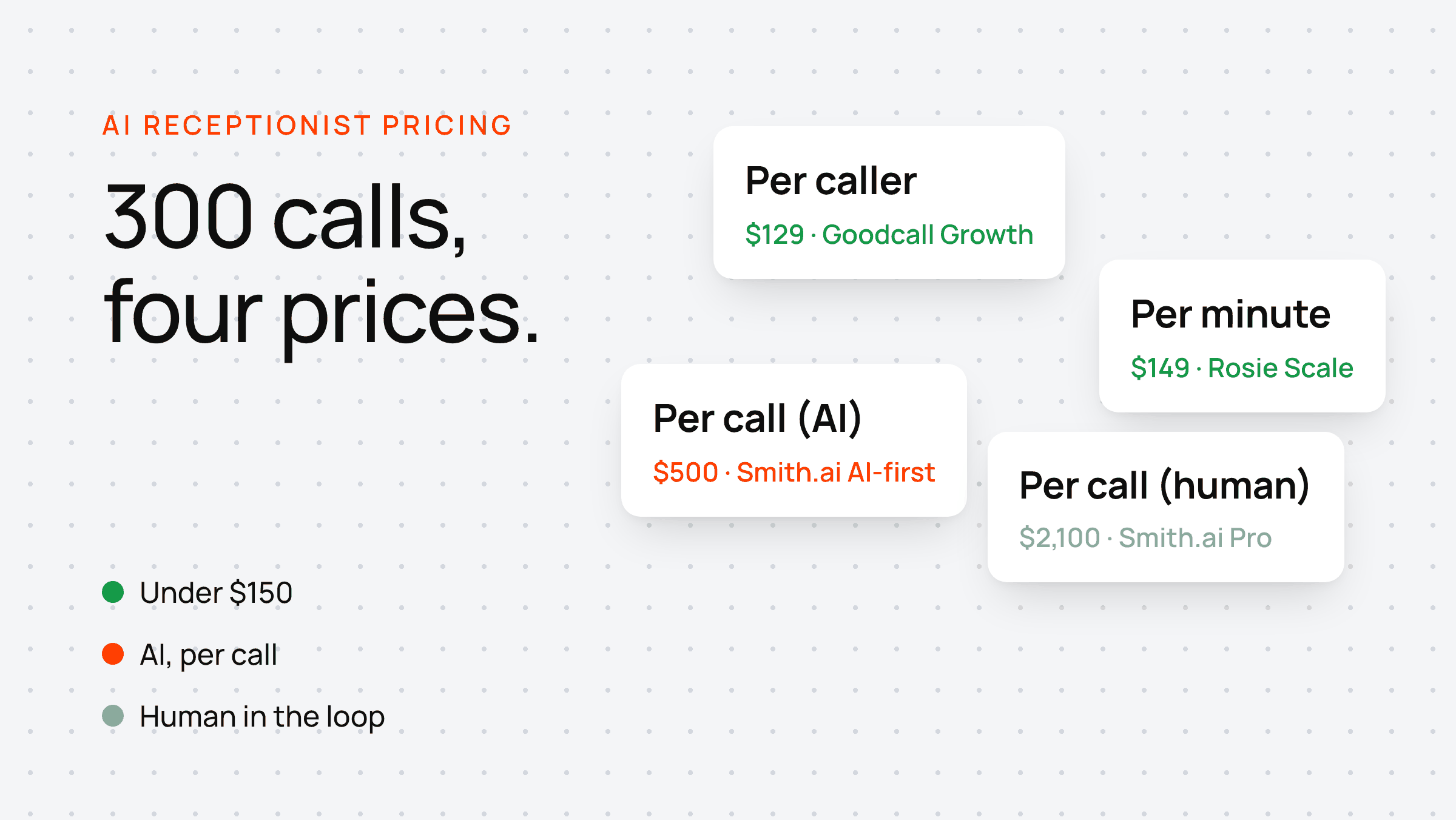
Between $140 a month and $2,100 a month on the public price pages we read on 24 November 2026. The range is wide because vendors price in three different ways: per rental unit, per call and per minute.
| Service | Pricing model | Published price | What you get |
|---|---|---|---|
| Buildium Maintenance Contact Center | Per unit | $1.10 per unit a month for all maintenance calls, or $0.70 for missed calls only; minimum $140 a month; $300 one-time setup | 24/7 answering that gathers details, decides if the call is an emergency and connects to the Buildium account |
| Propertyware Maintenance Contact Center | Per unit | Same published prices as Buildium | 24/7 answering, technician dispatch and service requests entered into Propertyware |
| Smith.ai | Per call | $300 / $810 / $2,100 for 30 / 90 / 300 calls; overage $11.50 / $10.50 / $8.50 per call | Live receptionists 24/7; no setup fee |
| Ruby | Per minute | $250 / $395 / $720 / $1,725 for 50 / 100 / 200 / 500 minutes | Live receptionists 24/7; no setup fee; overage rate not listed |
| Abby Connect | Per minute | $164 / $329 / $599 / $1,380 for 50 / 100 / 200 / 500 minutes | Live, AI or mixed; overage billed at the plan’s per-minute rate |
| AnswerConnect | Quote | No price published | 24/7 maintenance answering with emergency routing |
| Sono | Per minute | €0.30 to €0.40 per minute of conversation | AI agent on the phone, WhatsApp follow-up, work order in your PMS |
Sources: Buildium, Propertyware, Smith.ai, Ruby, Abby Connect, AnswerConnect and Sono’s AI phone agent page. We list only what each page states. The Buildium and Propertyware services are built around their own property management software, so check fit if you run a different PMS.
What do 50, 150 or 300 after-hours maintenance calls cost?
For 150 calls a month, between $599 and $1,725 on the published live plans. The table assumes each call lasts 3 minutes, so 50, 150 and 300 calls are 150, 450 and 900 minutes. We picked the cheapest published plan that covers the volume and added overage only where a rate is listed.
| Service | 50 calls (150 min) | 150 calls (450 min) | 300 calls (900 min) |
|---|---|---|---|
| Smith.ai | $530 (Starter plus 20 extra calls) | $1,440 (Basic plus 60 extra calls) | $2,100 (Pro) |
| Ruby | $720 (200-minute plan) | $1,725 (500-minute plan) | Above the largest plan |
| Abby Connect, live minutes | $599 (200-minute plan) | $1,380 (500-minute plan) | Above the largest plan |
| Sono | €45 to €60 | €135 to €180 | €270 to €360 |
“Above the largest plan” means the page lists no plan beyond 500 minutes, so you need a custom quote. Sono bills in euros.
Per-unit pricing does not depend on call volume, so it sits in its own table. These are Buildium’s and Propertyware’s published rates, with the $140 monthly minimum applied:
| Portfolio size | All maintenance calls ($1.10 per unit) | Missed calls only ($0.70 per unit) |
|---|---|---|
| 100 units | $140 (minimum) | $140 (minimum) |
| 300 units | $330 | $210 |
| 1,000 units | $1,100 | $700 |
Both add a $300 one-time setup fee.
Is per-unit or per-call pricing cheaper?
It depends on how often your tenants call. Per-unit pricing wins when a portfolio generates many maintenance calls per door, because the bill stays flat however busy the night gets. Per-call and per-minute pricing win when the portfolio is large but quiet.
Pull last year’s after-hours call count from your phone system before you compare quotes. Divide it by 12 and by your unit count. That one ratio tells you which model fits, and it is the number every vendor will ask for anyway.
Staffing the night yourself is rarely the cheaper option. The median receptionist wage in the US is $18.27 an hour (BLS, May 2025). Covering the 128 hours a week outside office hours at that rate comes to about $121,600 a year before payroll taxes and benefits. Our after hours answering service cost guide runs the same math for other industries.
Where does an AI agent fit, and where does WhatsApp come in?
An AI agent fits the calls that follow your rules: logging a routine fault, checking the unit number, asking the triage questions and paging the on-call tech. It answers instantly at any hour and never puts a flooding tenant on hold. A live agent still helps when a caller is distressed and needs a person, so the best setups let the AI hand over with the summary attached.
WhatsApp comes second, after the call. The phone call handles the urgency, and the WhatsApp message carries what a call cannot: the photo of the leak, the work order confirmation and the technician’s ETA.
| Option | Answers the call | Applies your triage rules | Gets photos from the tenant | Cost model |
|---|---|---|---|---|
| Voicemail or after-hours message | No | No | No | Free |
| Live answering service | Yes, a person | Yes, from a script | Not stated on the price pages we read | Per call or per minute |
| PMS contact center (Buildium, Propertyware) | Yes, a person | Yes, decides if it is an emergency | Not stated on the pages we read | Per unit |
| AI voice agent | Yes, instantly | Yes, the rules you set | Through a follow-up channel | Per minute or flat plan |
| WhatsApp follow-up | No, it follows the call | Confirms the details | Yes | Part of the Sono deployment |
For a deeper comparison of the two answering models, read AI receptionist vs answering service. If maintenance is only part of your after-hours traffic, our after hours answering service page covers the rest.
How do you set one up in a week?
Most of the work is writing down what your team already knows. A vendor can only follow rules that exist on paper.
- Export a month of maintenance calls and tag each one with the category from the triage table.
- Write the triage thresholds, including temperatures, the “only toilet” rule and what counts as a security issue.
- Build the on-call rota with names, numbers, timeouts and the last-rung contact.
- Agree on the call log fields and where the work order lands in your PMS.
- Forward the line after hours only, test five emergency and five routine calls, then go live.
What does Sono cost for maintenance calls?
Sono is priced per minute of conversation, from €0.30 to €0.40 per minute for a fully managed deployment, the same at 3 a.m. as at noon. A portfolio with 150 after-hours maintenance calls averaging 3 minutes uses 450 minutes, which is €135 to €180 a month.
Sono answers on the phone first, triages against your emergency rules and pages the on-call vendor. It then writes the work order into your PMS and confirms it to the tenant by WhatsApp or SMS. You keep your existing number through call forwarding. See how it works on the property management answering service page, or ask for a quote built on your own call log.