
Customers call because something didn’t work the way they expected: a bill they don’t understand, an order that hasn’t arrived, a form they couldn’t finish. Most contact centers can say how many calls they got, but not why. Call reason data closes that gap. In one McKinsey case, tackling the causes of repeat calls cut them by 25 to 50 percent (McKinsey). This guide shows how to build call reason data from your recordings, how to rank it and what to do with it.
It’s part of our series on call center analytics.
Why don’t most teams know why customers call?
Most teams rely on data that describes their own menu, not the customer’s problem. There are three usual sources, and each has a gap:
- IVR choices show which button the caller pressed. Callers often press whatever gets them to a person fastest.
- Wrap-up codes are picked by agents from a fixed list after a busy call. They are coarse, inconsistent between agents and often left at the default.
- Listening to calls gives the real story, but only for a handful of calls. Tesco Bank’s insurance team listened to about 700 calls a month, around 80 hours of listening, to understand its call drivers (Call Centre Helper).
How do you build call reason data from recordings?
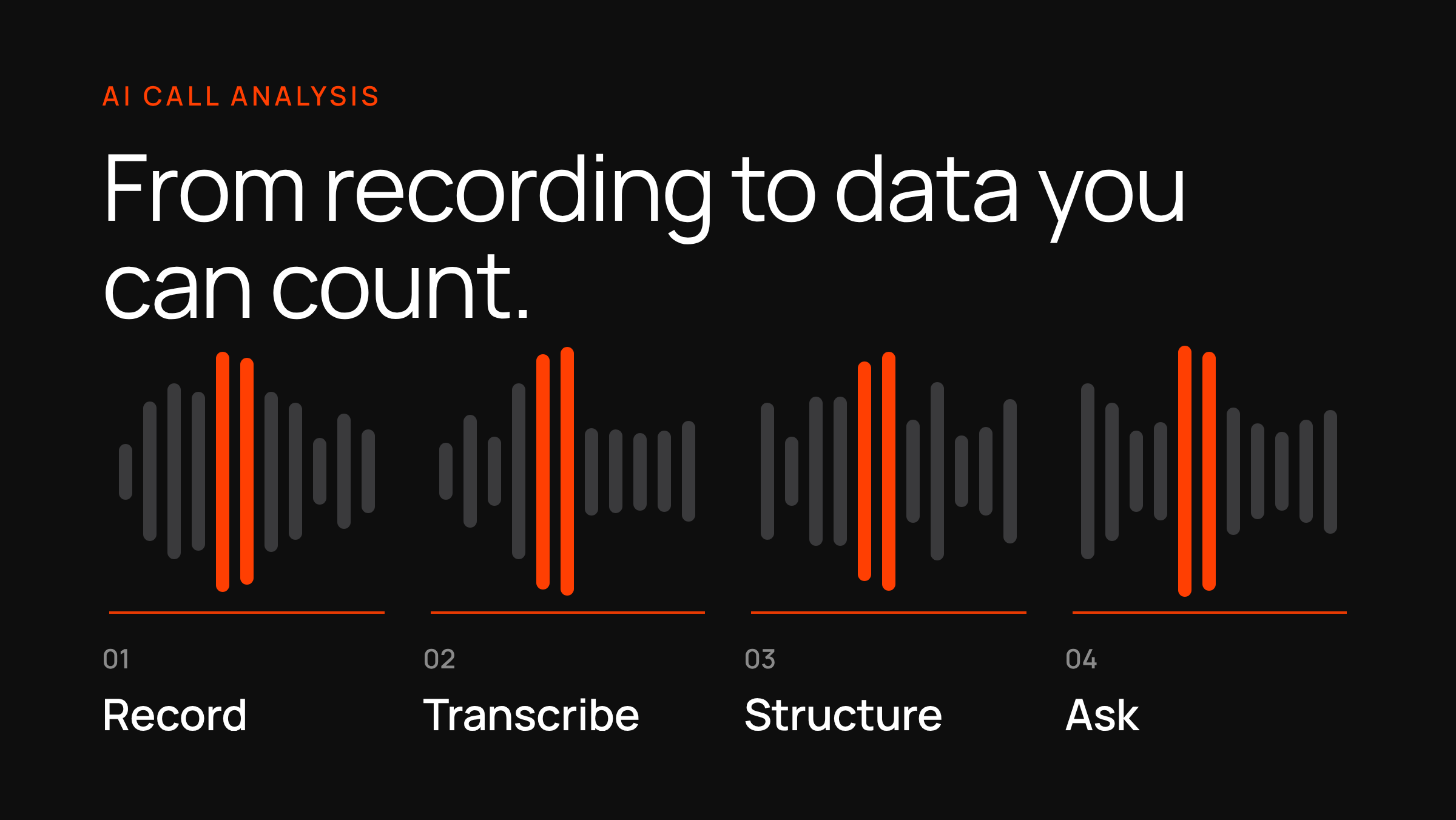
Transcribe every call and tag it with the reason the customer gave. It takes four steps:
- Start with your own reason list. Write 10 to 20 reasons in the customer’s words, such as “invoice amount is wrong” or “where is my order”, not internal process names.
- Allow more than one reason per call. A call that starts with one question often ends up being about another.
- Tag every call, not a sample. Rare but costly reasons, such as complaints that end in a cancellation, only show up in full data.
- Keep a quote with each tag. When a manager doubts a number, they can read what the customer said.
AI now does the tagging. AI call analysis transcribes each call and fills in the reason, the outcome and whether the customer has called about it before.
How should you rank the reasons?
Rank them twice: by volume and by repeat calls. The volume list shows where the workload is. The repeat list shows what is broken, because a reason that brings the same customer back within days was not solved the first time.
| Reason | Share of calls | Repeat within 7 days | What it suggests |
|---|---|---|---|
| Invoice amount questions | High | High | The invoice is unclear. Fix the invoice, not the script. |
| Order status | High | Low | Routine and answerable. Self-service or an AI agent. |
| Changing a booking | Medium | Low | Routine. Online booking or an AI agent. |
| Complaint about a repair | Low | High | Process problem. Escalate to the team that owns it. |
The table illustrates the analysis. It is not real customer data.
What should you do with call reason data?
Fix the causes first, then automate what is left. Most top reasons point to something outside the contact center: an invoice layout, a missing tracking link, a confusing step on the website. Fixing those removes calls for good.
After that, look at what remains:
- Routine reasons with a clear answer, such as opening hours, order status or simple bookings, can go to self-service or an AI phone agent.
- Reasons that need judgment stay with people, but your team now knows which ones they are and how often they come up.
- Reasons that predict churn, such as repeated complaints, become an early warning for account managers.
Track the call center metrics that follow from this, especially first call resolution per reason, so you can see whether a fix worked.
How Sono helps
Sono’s Sonolytics reads every call, whether a person or an AI agent answered it, and tags it with the reason, the outcome and repeat-call status in English, Finnish, Swedish and other European languages. You define the reasons. Sonolytics fills them in and shows the quote behind each one. The quickest way to see your own call reasons is a call audit on a sample of recordings, or you can talk to us.